Choosing the right SharePoint solution is a critical strategic decision for any organization’s digital workplace. Microsoft offers two primary platforms for content management and team collaboration: the cloud-based SharePoint Online and the on-premises SharePoint Subscription Edition (SE). While both deliver the core power of SharePoint, their deployment, management, feature sets, and long-term costs differ significantly. This article provides a detailed, professional comparison to help organizations determine the best fit for their unique needs in the evolving workspace of enterprise technology.
Core Architecture and Deployment
The fundamental distinction between the two versions lies in their deployment model, which dictates ownership, control, and maintenance responsibilities.
SharePoint Online (SPO) – SaaS Model
SharePoint Online operates on a Software-as-a-Service (SaaS) model. It is hosted in Microsoft’s secure, globally distributed data centers as an integral part of the Microsoft 365 (formerly Office 365) suite.
- Deployment: Cloud-based; multi-tenant architecture managed entirely by Microsoft.
- Infrastructure: Requires no on-premises hardware (servers, storage, networking). The infrastructure is managed by Microsoft.
- Access: Highly accessible from anywhere, on any device, requiring only an internet connection. This is ideal for supporting a modern, hybrid work model.
SharePoint Subscription Edition (SE) – On-Premises Model
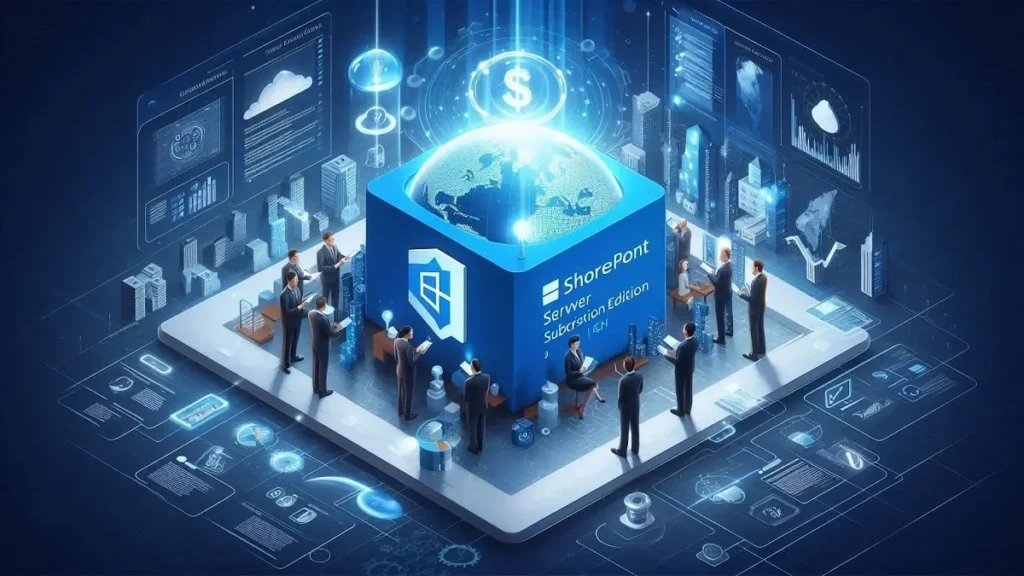
SharePoint Subscription Edition (SE) is the latest on-premises version of SharePoint Server. It is installed and managed entirely within the organization’s own data center or a private cloud environment.
- Deployment: On-premises or private hosted cloud; single-tenant environment.
- Infrastructure: Requires the organization to purchase, install, configure, and maintain all necessary servers, hardware, and storage.
- Access: Typically accessed via the corporate network (LAN/WAN) or securely through VPN/remote desktop for external users.
Management, Updates, and Scalability
The administrative burden and the approach to updates are major factors in the total cost of ownership (TCO) and IT overhead.
Management & Maintenance
| Feature | SharePoint Online (SPO) | SharePoint Subscription Edition (SE) |
| Updates/Patching | Automatic; managed by Microsoft. Users always have the latest version and security patches. | Manual; managed by the internal IT team. Requires planning, testing, and downtime for installation. |
| Infrastructure | Managed entirely by Microsoft (including hardware, backups, and high availability). | Managed entirely by the organization (IT team handles server monitoring, backups, disaster recovery, etc.). |
| New Features | Continuous release of new features and innovations. | Released via a subscription model (hence the name), offering a stream of new features without requiring a full major version upgrade cycle. |
| SEO Keyphrase | Reduced IT burden | Full control over data management |
Scalability and Performance
SharePoint Online offers virtually unlimited scalability as capacity can be instantly added by adjusting subscription plans. SharePoint SE scalability is limited by the physical hardware and infrastructure invested in by the organization.
Security, Compliance, and Control
Security and compliance requirements often drive the choice between cloud and on-premises solutions.
Control and Customization
| Feature | SharePoint Online (SPO) | SharePoint Subscription Edition (SE) |
| Data Location | Stored in Microsoft’s geographically dispersed cloud data centers. | Stored locally within the corporate network, providing maximum data residency control. |
| Customization | Generally limited to modern client-side development (Power Platform, SPFx, JSON). No access to server-side code. | Extensive customization options, including server-side code, which offers greater flexibility but can complicate future upgrades. |
| Security Protocols | Managed by Microsoft, leveraging Microsoft’s industry-leading security, compliance, and global regulatory framework (e.g., GDPR, ISO). | Managed by the organization, requiring internal teams to configure and maintain all security policies (e.g., TLS 1.3 support, enhanced People Picker). |
| SEO Keyphrase | Enterprise-grade security | Maximum data residency |
Licensing and Total Cost of Ownership (TCO)
The financial models for both versions are fundamentally different, impacting TCO.
Licensing Model
- SharePoint Online: Licensed on a per-user, per-month subscription basis, typically included as part of a broader Microsoft 365 plan (e.g., Business Standard, E3, E5). This is an Operating Expense (OpEx).
- SharePoint Subscription Edition (SE): Licensed via the traditional Server/CAL (Client Access License) model, plus the new subscription-based license for the server itself. This involves significant upfront Capital Expenditure (CapEx) for hardware, plus ongoing OpEx for maintenance and staffing.
Cost Considerations
The TCO for SharePoint Online is often lower because it eliminates CapEx for infrastructure and OpEx for extensive IT staffing dedicated to maintenance. However, monthly subscription fees can increase significantly as the number of users grows.
The TCO for SharePoint SE includes the cost of hardware, software licenses, cooling, power, specialized IT staff, and disaster recovery infrastructure. While the per-user cost for access may seem lower initially, the underlying infrastructure and human resource costs can be substantial.
Integration and Future Strategy
SharePoint Online offers unparalleled integration capabilities, solidifying its position as the future-proof platform.
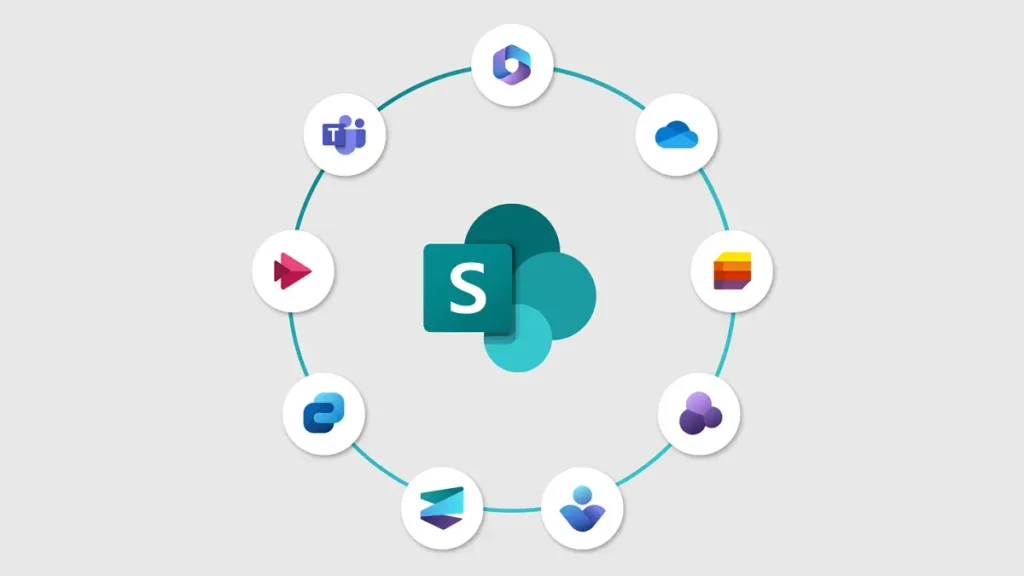
- Microsoft 365 Integration: SPO is seamlessly integrated with the entire Microsoft 365 ecosystem, including Teams, OneDrive, Power Platform (Power Apps, Power Automate, Power BI), and Copilot (AI). This enables powerful, modern collaboration scenarios.
- SE Integration: SPSE offers integration, but it often requires more configuration and may lack real-time feature parity with the constantly evolving cloud services. Features like advanced AI and out-of-the-box mobile experiences are primarily focused on the Online version.
Conclusion
The choice between SharePoint Subscription Edition and SharePoint Online ultimately depends on a detailed assessment of an organization’s strategic priorities:
| Choose SharePoint Online if your priority is: | Choose SharePoint Subscription Edition (SE) if your priority is: |
| Flexibility and Agility: Rapid deployment and easy scalability. | Maximum Control: Absolute authority over every configuration and security layer. |
| Low IT Overhead: Transferring infrastructure management to Microsoft (reduced CapEx/OpEx). | Strict Data Residency: Non-negotiable regulatory or compliance requirements to keep all data on-premises. |
| Modern Features: Immediate access to the latest innovations, including AI and seamless integration with Microsoft Teams and Power Platform. | Deep Customization: Reliance on extensive, server-side customizations that are not supported in the cloud. |
| Hybrid/Remote Work: Optimal accessibility from any location. | Limited Connectivity: Environments where reliable, high-bandwidth internet access is a challenge. |
In the modern enterprise, SharePoint Online is generally the recommended, future-proof platform, aligning with the industry shift toward cloud agility and continuous innovation. SharePoint SE remains a critical solution only for highly regulated industries or organizations with unique data control or connectivity challenges.